
Teri Cooper
School Principal
Contact Us
Visit Us
Monday – Friday
8:05 a.m. – 3:45 p.m.
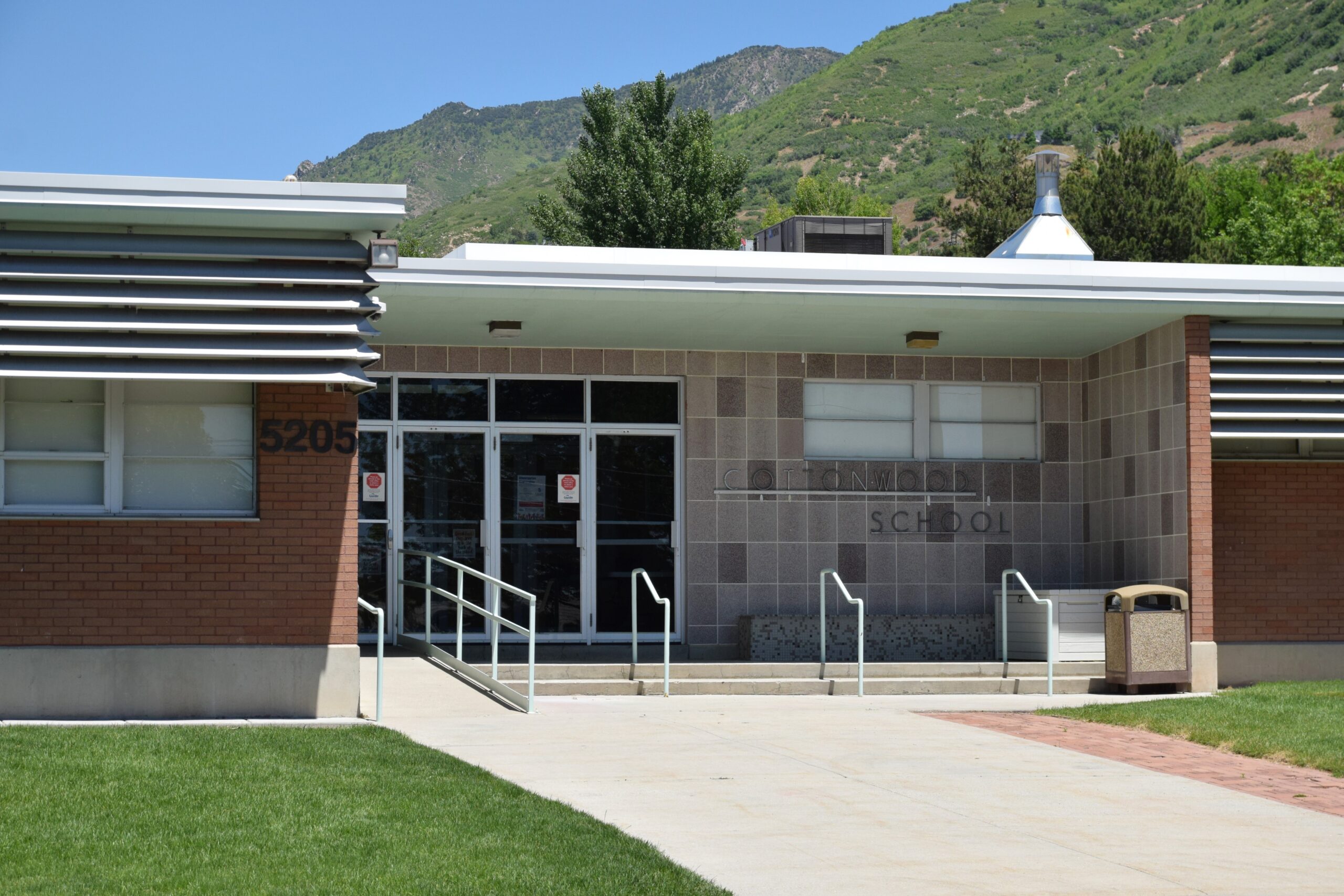
5205 S Holladay Blvd.
Salt Lake City, UT 84117View Larger Map(opens in a new tab)
Bell Schedule
The last school day of each week is a short day.
School Starts
- 8:35 am — School Begins
- 8:40 am — Tardy Bell
Morning Recess
- 2nd and 3rd: 9:45-9:58
- Kinder and 1st: 10:00-10:13
- 4th and 5th: 10:25-10:38
Lunch
- 1st grade: 11:20-11:55
- 2nd grade: 11:30-12:05
- Kindergarten: 11:40-12:15
- 3rd grade: 11:50-12:25
- 4th grade: 12:00-12:35
- 5th grade: 12:10-12:45
Afternoon Recess
- Kinder and 1st: 1:20-1:33
- 2nd and 3rd: 1:50-2:03
- 4th and 5th: 2:10-2:23
Dismissal
- 3:20 — Dismissal Bell
- 3:25 — Busses Depart
- 1:15 – Short Day (last school day of the week)
Short Day Schedule
- 8:35 – 1:15
Opted-In AM Kindergarten
- Regular School Day Dismissal: 11:40
- Last School Day of the Week Dismissal, 10:35
- No Bus provided home
Bus Information
Track Your Bus from Your Smartphone
If you’re interested in obtaining a bus schedule, you need to contact the school or by using the Here Comes The Bus application.

Parents and students can now track their Granite School District bus on the Here Comes the Bus app, available on The App Store and Google Play.
This app shows the real-time location of your bus on a map, gives scheduled and actual arrival times for both home and school routes, and provides push and email notifications when the bus is near.
Here’s how to sign up:
- Download the Here Comes the Bus app from The App Store or Google Play.
- Tap Sign Up, then tap Continue.
- Tap I have the Code.
- Enter your email address, first name, last name, and school district code (29318). Accept the Terms and Conditions and tap Continue.
- Tap Confirm if Granite School District is displayed.
- Create your password.
- If successful, you will see a Thank You screen. From here, check your email inbox for a message from noreply@synovia.com. Open the email and click Activate My Account. Once completed, close the browser link. You may now open the app and sign in with your email address and newly created password.
Adding a Student:
- Once you’re signed in, tap the Student icon.
- Tap the Add Student button and enter their last name and student ID. Tap Submit.
- Repeat this process for additional students.
Questions? Send an email to buses@graniteschools.org or call the Transportation Department at 385-646-4280.













You must be logged in to post a comment.