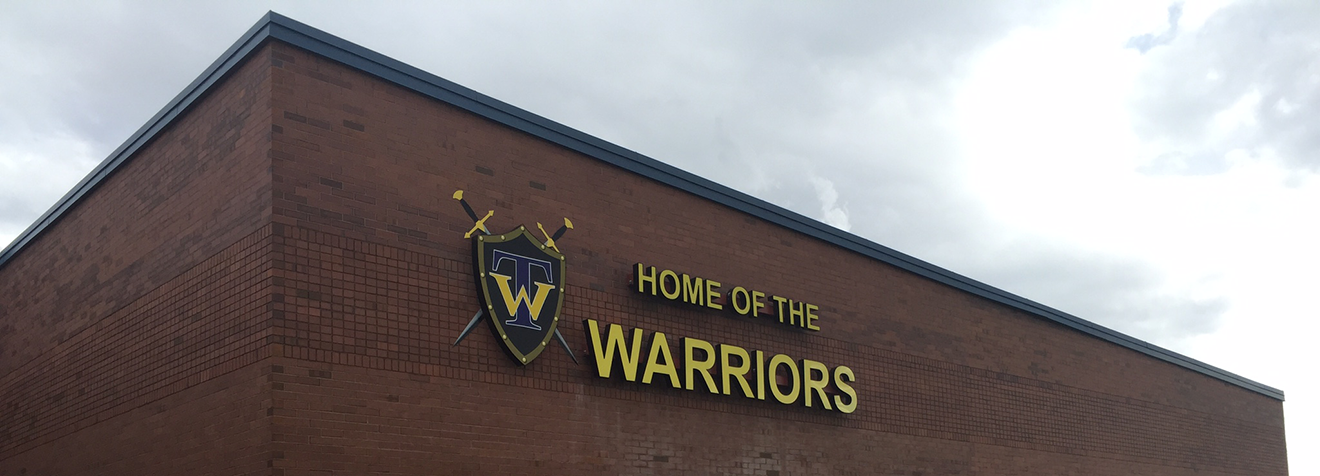

The Taylorsville High School Library empowers students to become critical thinkers and engaged citizens by providing access to rich information resources and cultivating a community of lifelong learners.
Access the Library Catalog; Destiny Discover
Meet the Staff
Sora is a reading and listening app through which students can access thousands of eBooks and audiobooks in GSD K-12 collection. Students can read or listen to these books using a Chromebook, desktop computer, or personal mobile device. Find out More
Library Hours & Policies
Hours & Circulation
- The library is open Monday-Thursday 6:30 a.m to 3:00 p.m. Fridays 7:00 a.m. to 2:30 p.m.
- Students check out books and textbooks using their student ID number at the circulation desk.
- eBooks on Sora are checked out using student ID number and their school password.
- Books circulate for 14 school days, excluding weekends and holidays.
- Students may check out up to 5 print books at a time and 3 eBooks simultaneously.
- Print books may be renewed in order to avoid fines, eBooks will automatically return without any late penalties.
- Students can monitor their own Destiny Media Account and place holds by using their student ID and password in the Destiny Media Catalog.
- Holds placed on a book that is not retrieved will expire after 5 days.
Overdue or lost book fines
- Overdue library book fines are .05 per school day (not counting weekends or school closure days).
- Any fines for lost or overdue books must be paid to the Financial Secretary in the bookstore in G hall, near the main office.
- Students accounts may go to collections if lost materials are not returned or paid.
Textbook Policies
- All textbooks, including novels, must be returned at the end of the school year .
- Textbooks not returned will incur a fine to the student account for the replacement cost of the book.
- A weekly email is sent to students to notify about any overdue or lost books, Chromebooks or outstanding fines.
Chromebook fines
- broken LCD screen $24
- lost charger $26
- missing/damaged hinge $5
- unrepairable or lost device $270
Access Research Materials
Utah Online Library

Utah’s Online Library provides access to:
- CultureGrams
- Gale Reference Collection
- Scrible
- World Book Encyclopedia
- Other research databases and collections
Utah Parents and Students: Login requires username and password when accessing from home. Contact the Media Center staff for this information
Digital Citizenship Resources
Digital citizenship is the ability to participate safely, intelligently, productively and responsibly in the digital world.
Teaching Books Resources
Technology Resources
- Chromebooks
- Digital Tools
- Google for Education
- Students and teachers in Granite have access to Google for Education tools, including Google Drive with unlimited cloud storage, Google Classroom, and many other creation, communication, and collaboration tools.
- Canvas LMS
- Canvas is the learning management system available for all secondary classrooms, and is also used for staff professional development.
- Office 365;
- Granite students and staff have access to the Microsoft Microsoft Office 365 cloud- and desktop-based suite of productivity and communication tools, including home installation of Microsoft Office products for students and staff. To reset your own GSD password go to my account portal.
- Adobe Creative Cloud (sign in with your GSD credentials)
- Google for Education








You must be logged in to post a comment.